
Security System Upgrades: When to Repair, Modernize, or Replace

Learn when to repair, selectively modernize, or completely replace an aging commercial security system to maximize performance and ROI.
Key Strategic Takeaways
An older commercial security system does not automatically need complete replacement.
Frequent repairs, obsolete components, unsupported software, and poor integration are strong modernization indicators.
Existing infrastructure like cabling, door hardware, and sensors can often be reused during a carefully planned upgrade.
Analog video systems can be modernized without replacing every cable using migration technologies.
Cellular and IP alarm communication have largely replaced dependence on traditional telephone lines.
Integrating intrusion detection, access control, and video provides significantly more operational context.
How Commercial Security Systems Become Outdated
Security technology has a much longer lifecycle than many other business technologies. A laptop might be replaced every few years. A commercial alarm panel, access control system, or camera network may remain installed for a decade or considerably longer.
That longevity can be an advantage. It can also create a false sense that because equipment still powers on, it still meets the organization's needs.
Consider a building with an intrusion system installed 15 years ago. The panel may still arm and disarm correctly. Door contacts may still function. Motion detectors may still detect movement. Technically, the system works.
But the business may now have 100 employees instead of 20. Management may need remote administration. Traditional phone lines may be disappearing. The organization may operate multiple locations. Video surveillance may have been added separately.
"A security system does not have to be broken to be obsolete. Sometimes the greatest indication that an upgrade is needed is how difficult the existing system has become to operate, maintain, and integrate."
The Three Options: Repair, Modernize, or Replace
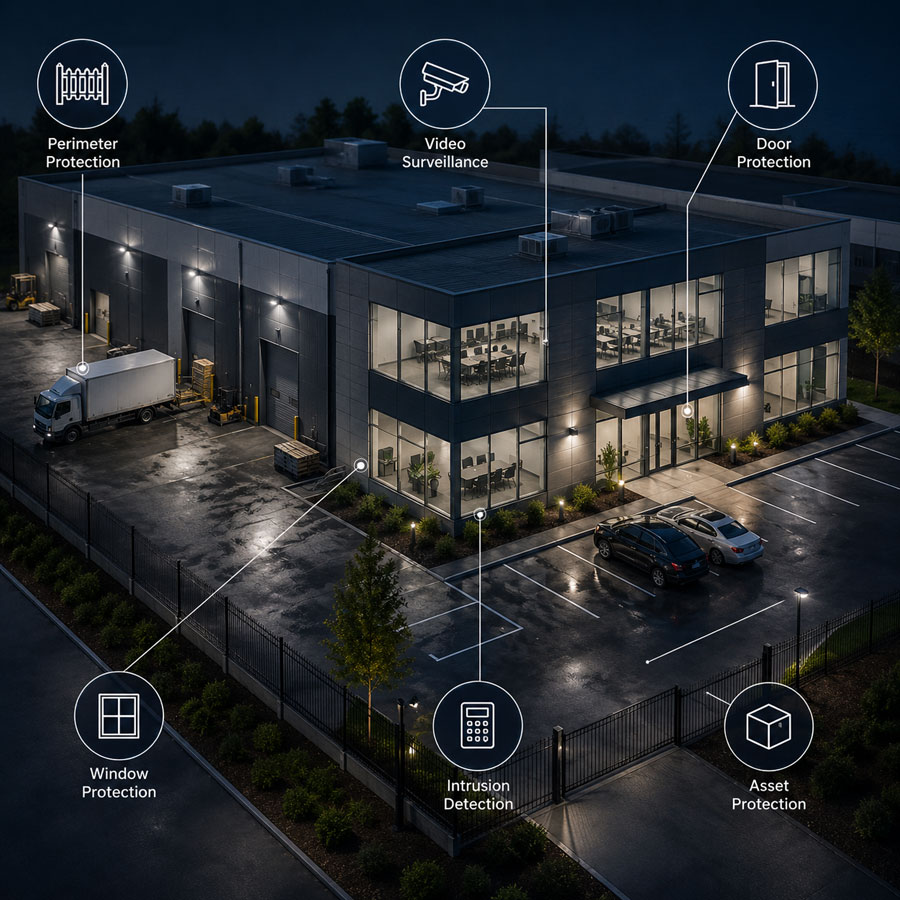
Most security system upgrade projects fall into one of three categories:
Repair
Makes sense when the overall system remains reliable, supported, and appropriate for the facility, but has an isolated component problem.
Modernize
Retains useful portions of the existing system (cabling, door hardware, sensors) while selectively upgrading components that have become outdated.
Replace
Necessary when the underlying platform itself has become an operational, cybersecurity, or reliability liability.
Repair vs. Modernize vs. Replace Matrix
| Condition | Repair | Modernize | Replace |
|---|---|---|---|
| Isolated equipment failure | ✓ | — | — |
| System remains manufacturer-supported | ✓ | ✓ | — |
| Existing infrastructure in good condition | ✓ | ✓ | — |
| Need mobile or remote management | — | ✓ | ✓ |
| Need better video quality | — | ✓ | ✓ |
| Need to integrate separate security systems | — | ✓ | ✓ |
| Legacy access credentials | — | ✓ | ✓ |
| Obsolete communication technology | — | ✓ | ✓ |
| Replacement parts becoming scarce | — | ✓ | ✓ |
| Unsupported management software | — | ✓ | ✓ |
| Frequent unexplained failures | — | — | ✓ |
| Major facility renovation | — | ✓ | ✓ |
| System lacks expansion capacity | — | ✓ | ✓ |
| Manufacturer discontinued platform | — | — | ✓ |
Sign #1: Repairs Are Becoming Routine
Every electronic system occasionally requires service. That alone is not a reason for replacement. The warning sign is when repairs become part of normal operations.
If a business regularly experiences camera failures, reader problems, intermittent communication issues, unexplained trouble conditions, or recurring software problems, management should look beyond the individual service ticket. The underlying platform may cost more to maintain than to modernize.
Sign #2: Replacement Parts Are Becoming Difficult to Find
One of the clearest indicators of security system obsolescence is parts availability. Manufacturers eventually discontinue products. Initially, replacement components may remain available, but over time integrators depend on remaining inventory or refurbished components.
A $300 component failure can become a major operational crisis because the correct part is no longer manufactured. When critical parts become scarce, the conversation must shift to migration planning.
Sign #3: Your Analog Cameras No Longer Provide Useful Evidence
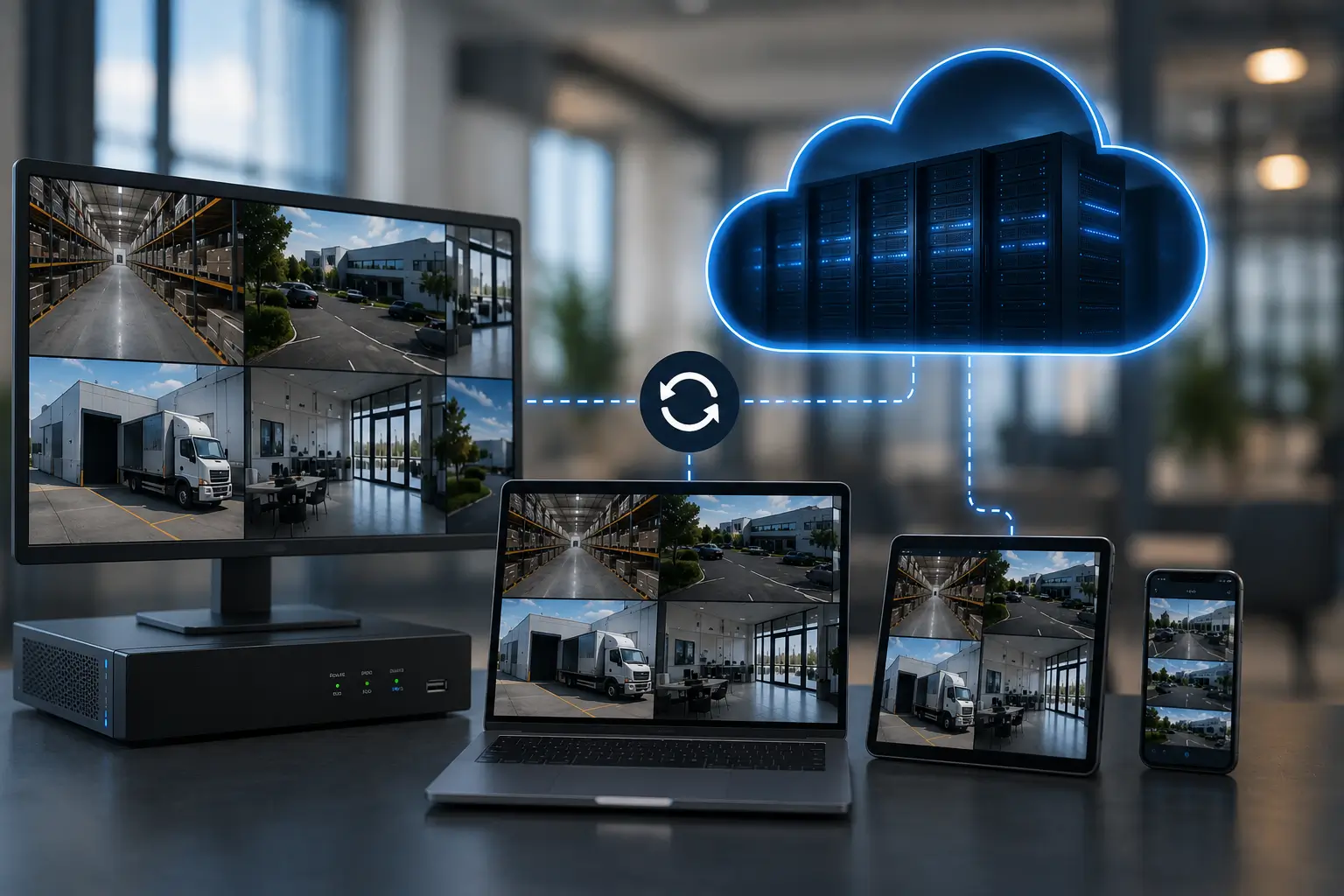
Analog surveillance systems served commercial properties effectively for decades, but can you clearly identify a person? Can you read important vehicle details at night? Can authorized managers view cameras remotely from a smartphone?
Modern IP cameras provide substantially higher resolution, better low-light performance, analytics, and remote accessibility. Furthermore, upgrading does not always require replacing every cable—migration encoders can reuse existing coaxial cabling.
| Capability | Legacy Analog Video | Modern IP Video |
|---|---|---|
| High-resolution imaging | Limited | Strong |
| Low-light performance | Varies | Advanced options |
| AI video analytics | Limited | Widely available |
| Remote management | Limited | Strong |
| System scalability | Limited | Strong |
| Live video monitoring | Possible with upgrades | Well suited |
| Event-based search | Limited | Advanced |
| Network connectivity | No/limited | Native |
Sign #4: Your Access Control Credentials Are Decades Old
Access control systems can remain in service for an extraordinarily long time. Older proximity credentials may lack encryption and security capabilities available in newer smart-card and mobile credential technologies.
Modern access platforms like Brivo and DMP support mobile credentials, cloud-based administration, remote door management, centralized multi-site control, and video integration.
Sign #5: Your Security Software Requires an Ancient Computer
Some commercial properties have an old workstation sitting in a security office because it is the only computer capable of running legacy access control software. Nobody wants to touch it for fear of crashing the system.
Unsupported operating systems and outdated applications create severe maintenance and cybersecurity vulnerabilities. Modern security platforms use secure web interfaces, mobile apps, and supported cloud server environments.
Sign #6: Your Alarm Still Depends on Legacy Communications
For decades, alarm systems relied on conventional copper telephone lines to communicate with central monitoring stations. Telecom networks have moved steadily toward cellular and IP communication.
Modern dual-path cellular communicators provide faster, more reliable alarm transmission without relying on landlines. In most cases, communicator modules can be upgraded while retaining existing panel hardware.
Sign #7: Your Security Systems Cannot Talk to Each Other
"Modern security integration is not about putting every device into one app simply because it is possible. It is about connecting information that helps people make faster, better security decisions."
When burglar alarms, cameras, access control, and intercoms operate as isolated silos, assembling the story during an incident requires manual effort. An integrated environment connects access events directly with video recordings and alarm signals.
Should You Upgrade Everything at Once? The Roadmap Approach
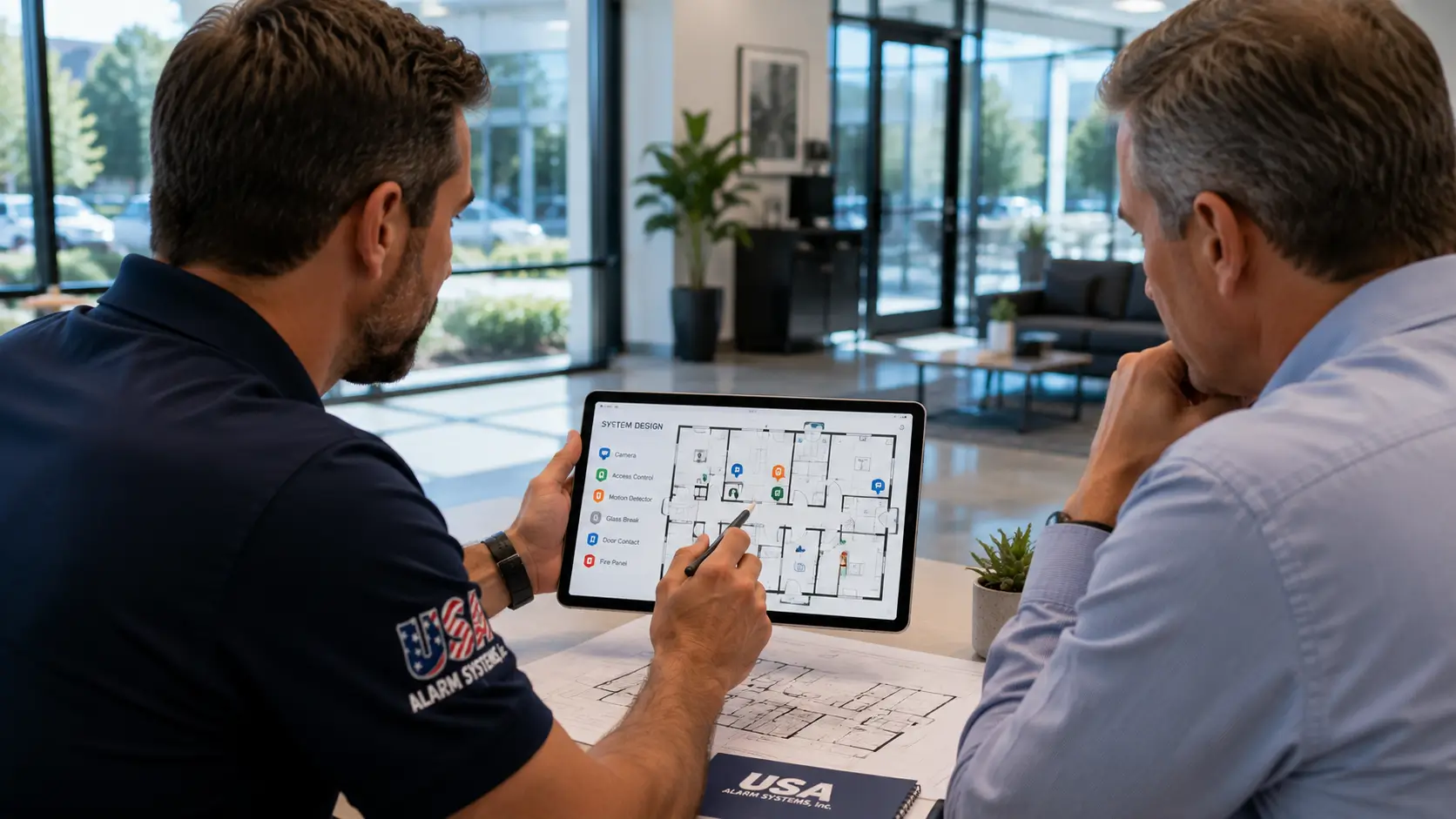
Phase 1: Stabilize Critical Systems
Address immediate vulnerabilities, failing equipment, unsupported communications, and urgent service issues.
Phase 2: Modernize Core Infrastructure
Upgrade control panels, recording platforms, communicators, network architecture, or cloud management software.
Phase 3: Improve Detection & Visibility
Upgrade field devices such as IP cameras, mobile credential readers, sensors, and AI analytics.
Phase 4: Unified Integration
Connect access control, intrusion detection, video surveillance, and live 24/7 monitoring into a unified platform.
Takeover Savings Calculator
Reuse existing equipment with USA Alarm Systems takeover
Total Savings Switching to USA
$480
Reuse existing panel, no new equipment needed
Frequently Asked Questions
Related Resources
 Commercial Security
What Is Live Video Monitoring for Businesses?
Learn how remote live video monitoring and AI analytics turn commercial security cameras into proactive crime prevention.
Read Intelligence Commercial Security
The Definitive Guide to Commercial Access Control Systems
Learn how commercial access control replaces physical keys with cloud management, mobile credentials, and video surveillance integration.
Read Intelligence Fire & Life Safety
How Fire Alarm Installation Works in LA County
From design and permitting to installation, programming, testing, and AHJ approval — here's what goes into a code-compliant commercial fire alarm installation in Los Angeles.
Read Intelligence