
The Definitive Guide to Commercial Access Control Systems
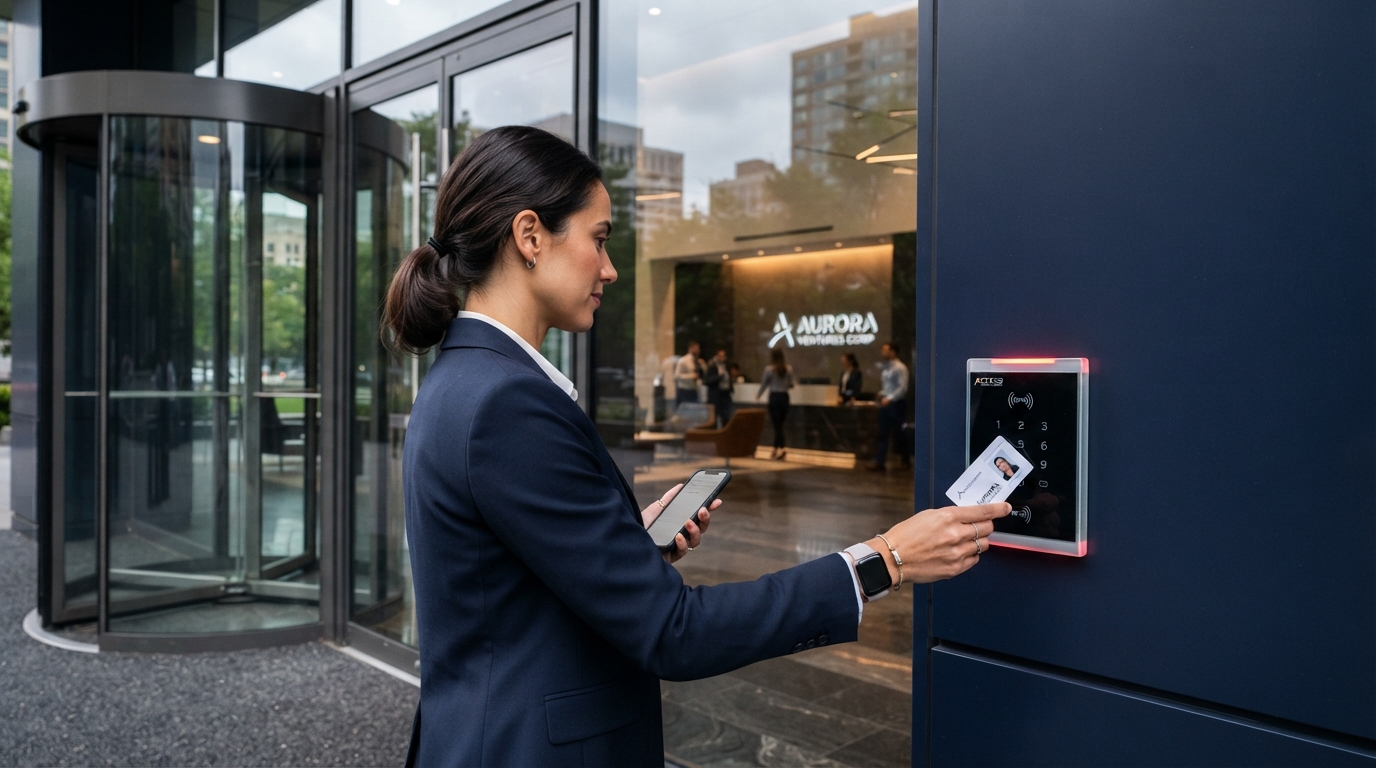
Learn how commercial access control replaces physical keys with cloud management, mobile credentials, and video surveillance integration.
Key Strategic Takeaways
Commercial access control replaces physical keys with centrally managed permissions and instant credential revocation.
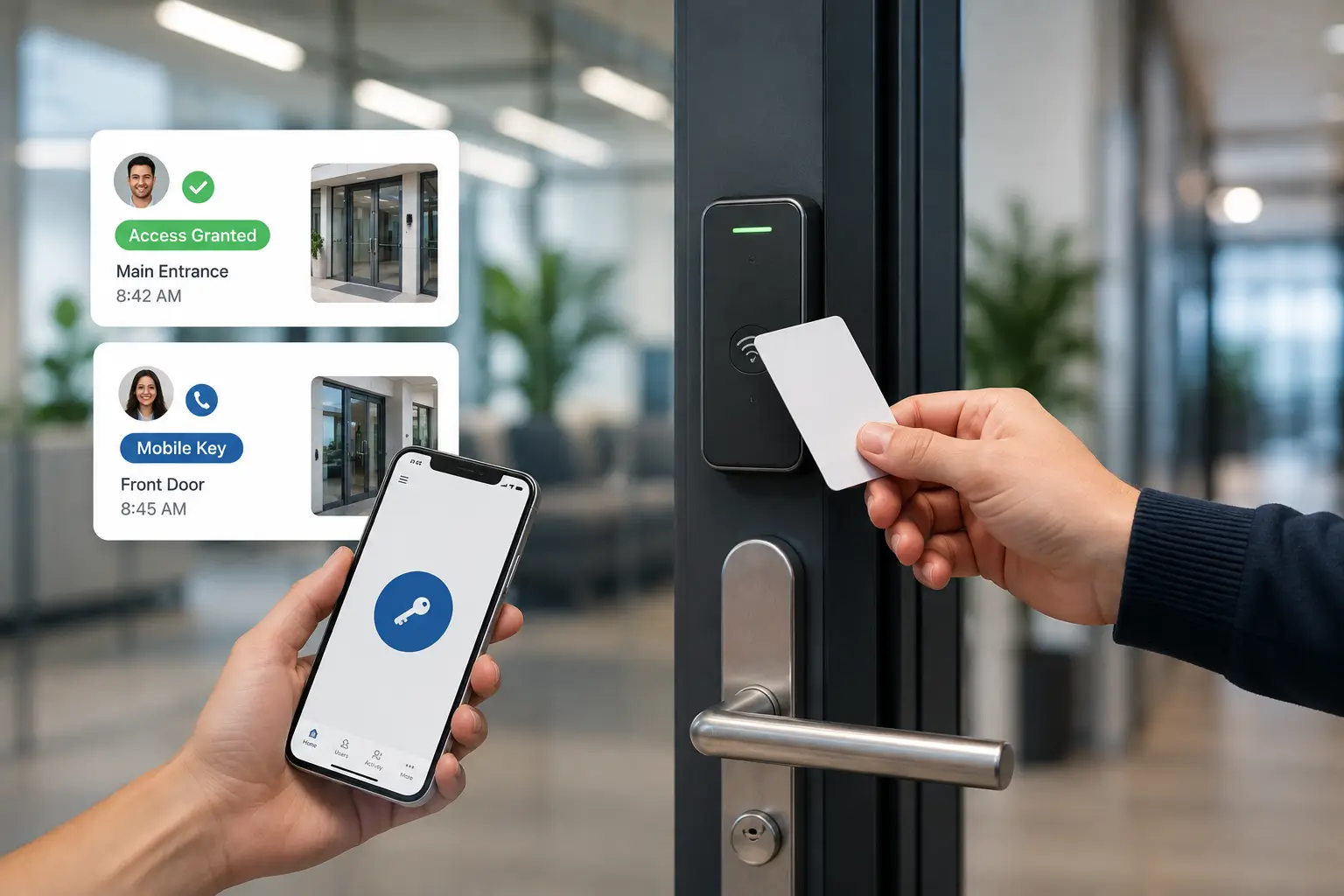
Credentials can include proximity cards, key fobs, PINs, smartphones, digital wallets, and biometrics.
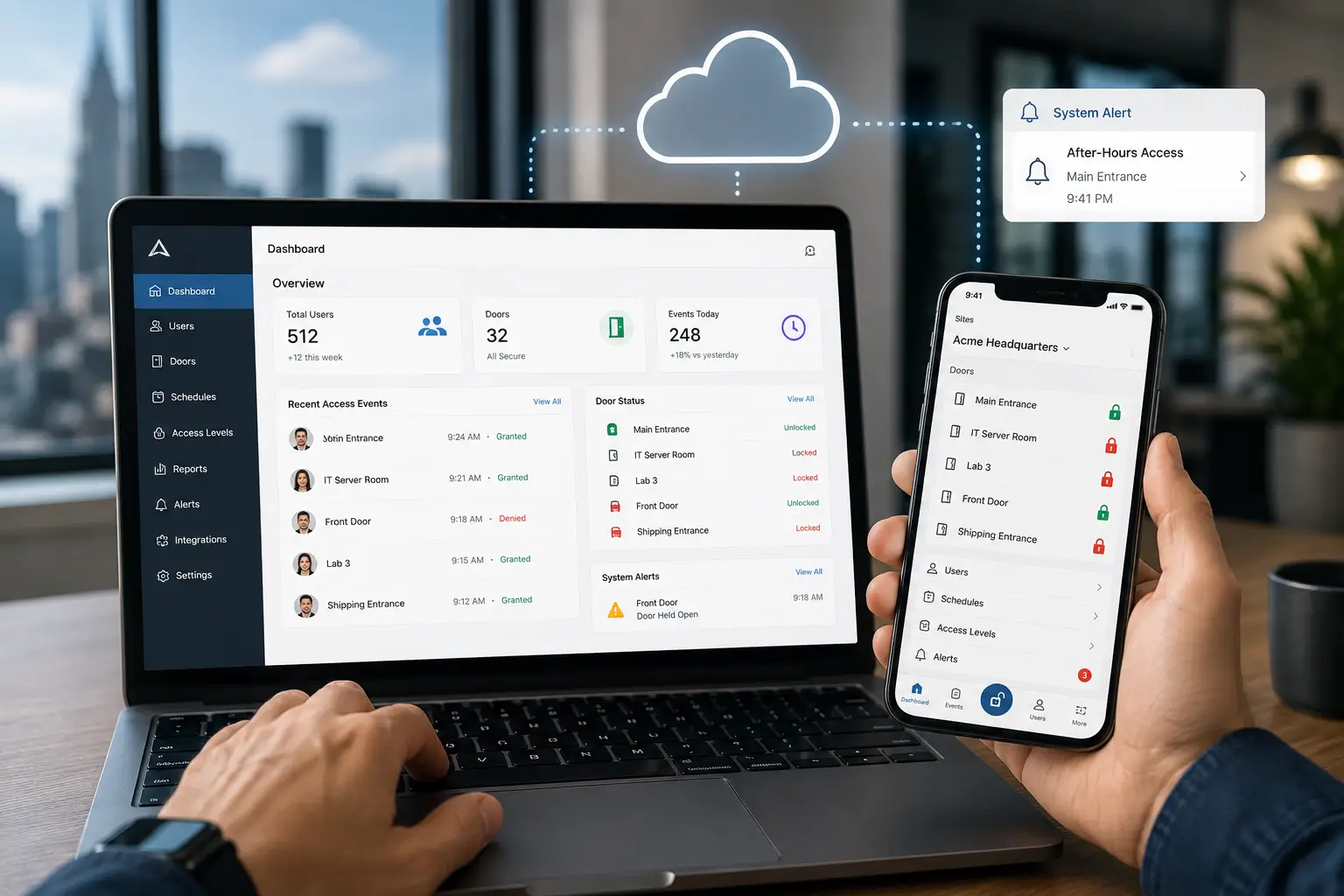
Cloud-based access control allows authorized personnel to manage doors, users, schedules, and events remotely.
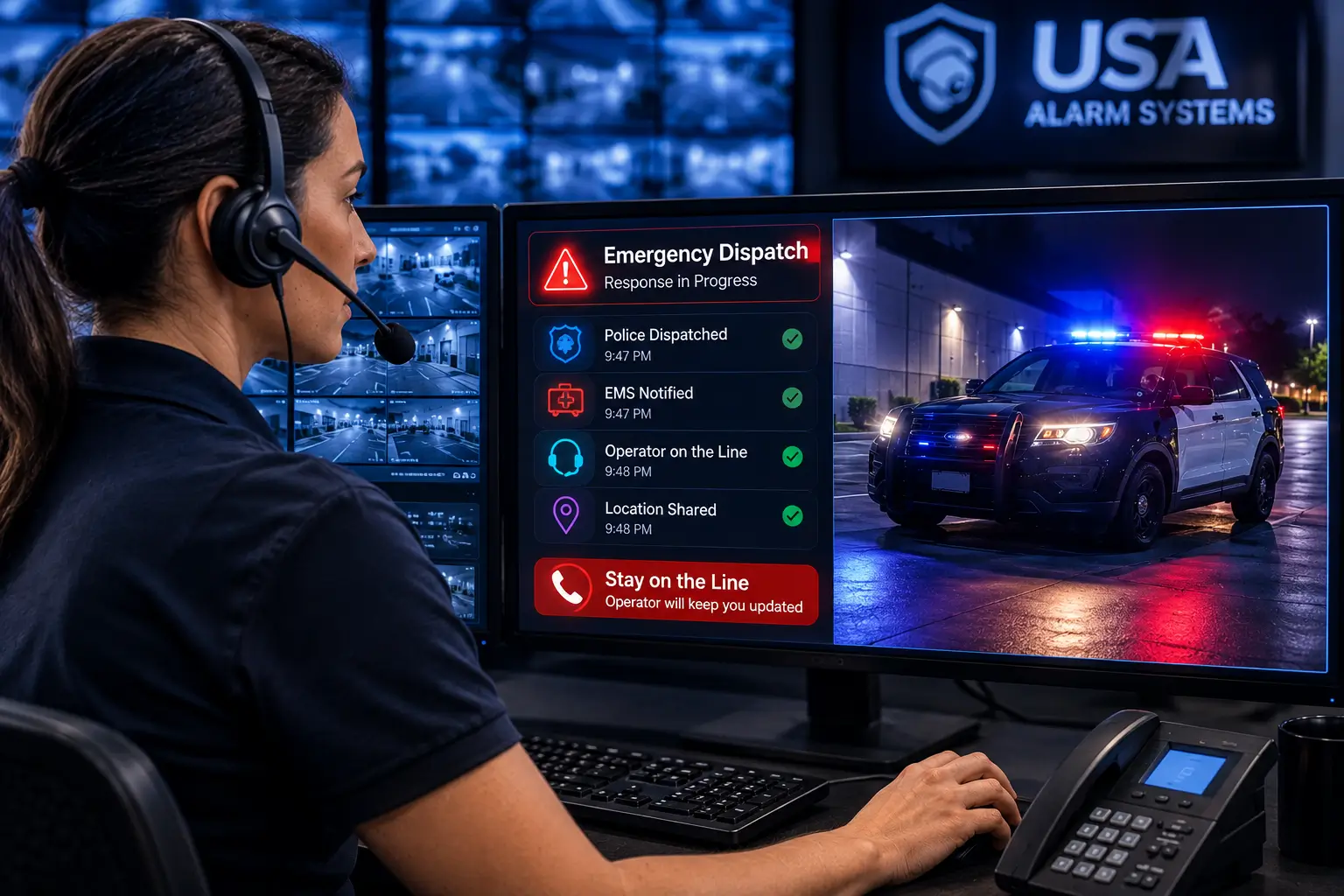
Integrating access control with video surveillance and intrusion alarm systems provides total situational awareness.
Detailed activity logs deliver audit trails for investigations, compliance, and operational insights.
What Is a Commercial Access Control System?
At its simplest, electronic access control replaces a traditional mechanical key with an electronic credential.
Instead of handing an employee a key, the organization assigns that person a credential and determines what that credential is permitted to do.
Consider an employee who needs access to the main entrance and accounting department Monday through Friday from 7:00 a.m. until 7:00 p.m. Access control can create exactly that permission.
A warehouse employee could have entirely different privileges. A manager might receive extended access. A cleaning contractor could receive access only between 6:00 p.m. and 10:00 p.m. A temporary vendor could receive permission for a specific entrance for one day.
"The real advantage of access control is not eliminating keys. It is gaining control over who can enter your facility, when they can enter, and what happens after you give them permission."
How Access Control Systems Work
1. User Presents Credential
The user approaches a controlled door and presents a proximity card, smart card, key fob, PIN, or smartphone mobile credential.
2. Reader Captures Data
The reader obtains credential information and transmits it to the access control panel via encrypted communication.
3. Panel Evaluates Permission
The controller verifies if the credential is active, permitted at this specific door, during this specific time window.
4. Lock Hardware Releases
The panel signals the electric strike, magnetic lock, or electrified panic bar to release for authorized entry.
5. Event Recorded in Audit Trail
The system logs the exact user, door, date, time, and result (granted/denied) for compliance and tracking.
The Essential Components of Access Control
Every installation relies on core interconnected hardware:
Access Control Panel (Controller)
The decision-making hub that enforces rules, communicates with readers, locks, and door sensors, and stores local backup rules.
Door Readers
Installed at entry points supporting cards, fobs, PIN pads, Bluetooth, NFC, digital wallet credentials, or multi-technology readers.
Electronic Locking Hardware
Electric strikes, maglocks, electrified crash bars, and smart locks engineered carefully to comply with emergency life-safety egress codes.
Door Position & Request-to-Exit Sensors
Sensors monitor whether doors are propped open or forced open, differentiating legitimate egress from unauthorized entry.
Access Control Savings Estimator
Calculate avoided physical rekeying expenses
Annual Rekey Cost Avoided
$750
vs. traditional lock rekeying at ~$150/door
Physical Credentials vs. Mobile Access
| Feature | Physical Cards & Fobs | Mobile Credentials (NFC/Bluetooth) |
|---|---|---|
| Distribution | Requires physical handoff or mailing | Instant electronic issuance via email or app |
| Lost Credential Risk | High; cards can be lost or shared | Low; protected by phone biometrics/PIN |
| Re-issuance Cost | Incurs ongoing card/badge purchase costs | Near-zero physical material costs |
| Multi-site Access | May require carrying multiple physical badges | Single smartphone app holds all site permissions |
| User Experience | Requires searching for physical badge | Seamless touchless or tap-to-enter access |
Why Cloud-Based Access Control Is the Future
Traditional access control depended on heavy local servers. Cloud-based platforms like Brivo move management to a secure web dashboard.
Authorized facility managers can unlock doors, revoke credentials, adjust schedules, and review audit logs remotely from any phone or web browser.
Offline Resilience
Leading cloud panels store permissions locally. If your internet connection drops, doors continue normal access control operations without interruption.
Integrating Access Control with Video & Alarms
An access log shows that a card opened a door at 10:00 PM. Video integration confirms whether the cardholder was actually the person entering.
Furthermore, integrating access control with DMP intrusion alarms allows authorized employees to disarm security sensors automatically upon tapping their card at the door.
Frequently Asked Questions
Related Resources
 Commercial Security
What Is Live Video Monitoring for Businesses?
Learn how remote live video monitoring and AI analytics turn commercial security cameras into proactive crime prevention.
Read Intelligence Commercial Security
Security System Upgrades: When to Repair, Modernize, or Replace
Learn when to repair, selectively modernize, or completely replace an aging commercial security system to maximize performance and ROI.
Read Intelligence Fire & Life Safety
How Fire Alarm Installation Works in LA County
From design and permitting to installation, programming, testing, and AHJ approval — here's what goes into a code-compliant commercial fire alarm installation in Los Angeles.
Read Intelligence